Wedding photos sharing by QR, no app needed
After the wedding, the photos guests took are spread over many phones. One link gathers them in a single album that the family can browse and keep.
Make this freeFree up to 50 photos. No watermark. No card details.
How it works
- Share the album link in the family group, or print the QR code for the hall.
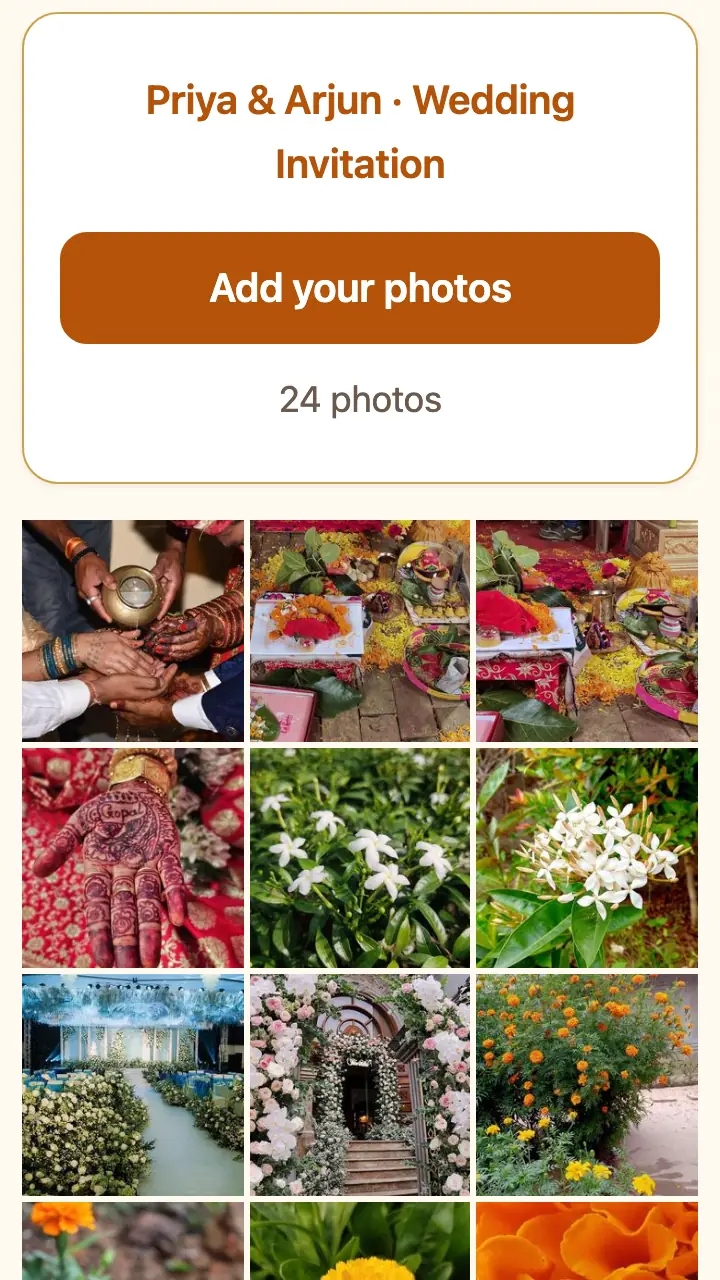
- Guests add their photos. The album shows each photo with the name of the guest who added it.
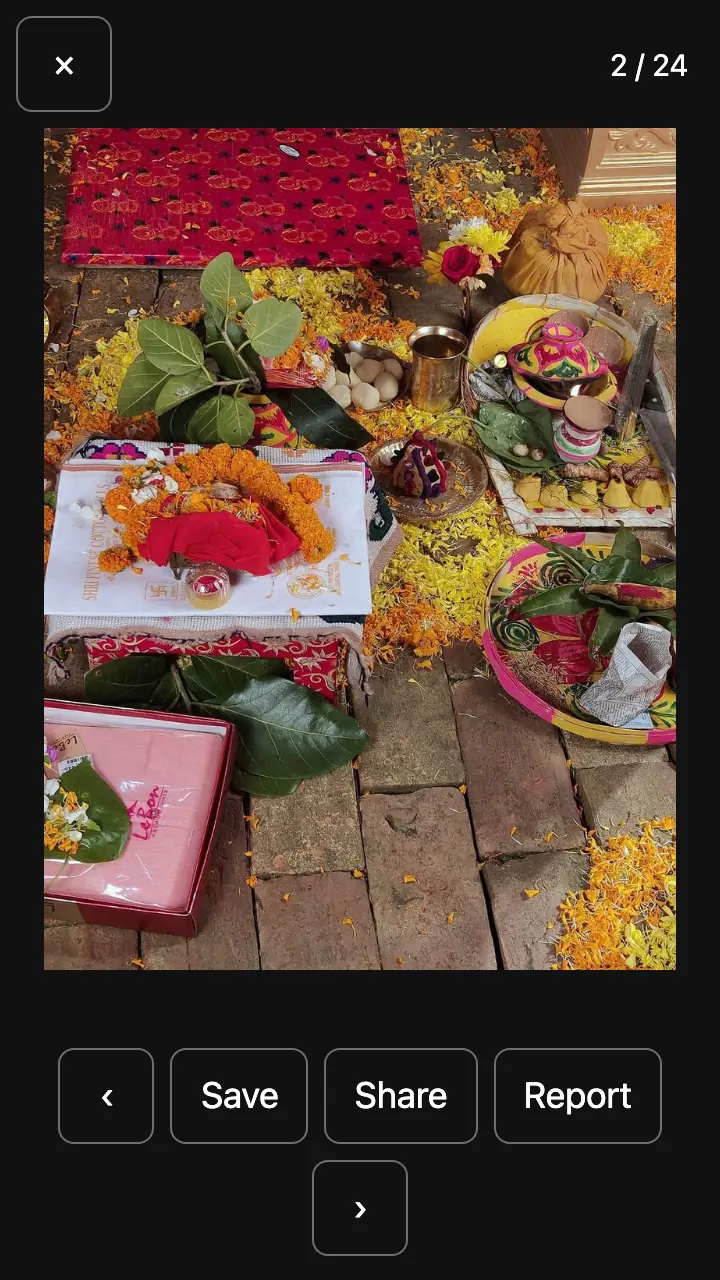
- The family opens any photo full size and saves it. A paid pass adds "download all".
Wordings you can copy
Free to use on your page or anywhere else.
With the blessings of God and our elders, we invite you and your family to the wedding, and request you to bless the couple.
Your presence is our happiness.
Thank you for coming. Add your photos here.
Questions
How does the family see all the photos?
Open the same link. The album shows every photo in the order it was added, with "Added by" and the guest's name.
Can we download the photos?
On a free page, open a photo and tap Save. A paid pass (opening soon) puts every full-size photo in a Google Drive folder shared to your Gmail, so you can download all at once.
How many photos fit?
A free album shows 50 photos. A function pass shows 1,000 (₹199, one time) and a wedding pass shows 3,000 with an album per event (₹499, one time).
Who can see the album?
Anyone with the link. It is hidden from search engines. You can close the album, or hide or delete photos, from your private host link.
How long are the photos kept?
A free page and its photos are deleted 60 days after the last event. A paid pass keeps them for 180 days.