Wedding guests upload photos with no app
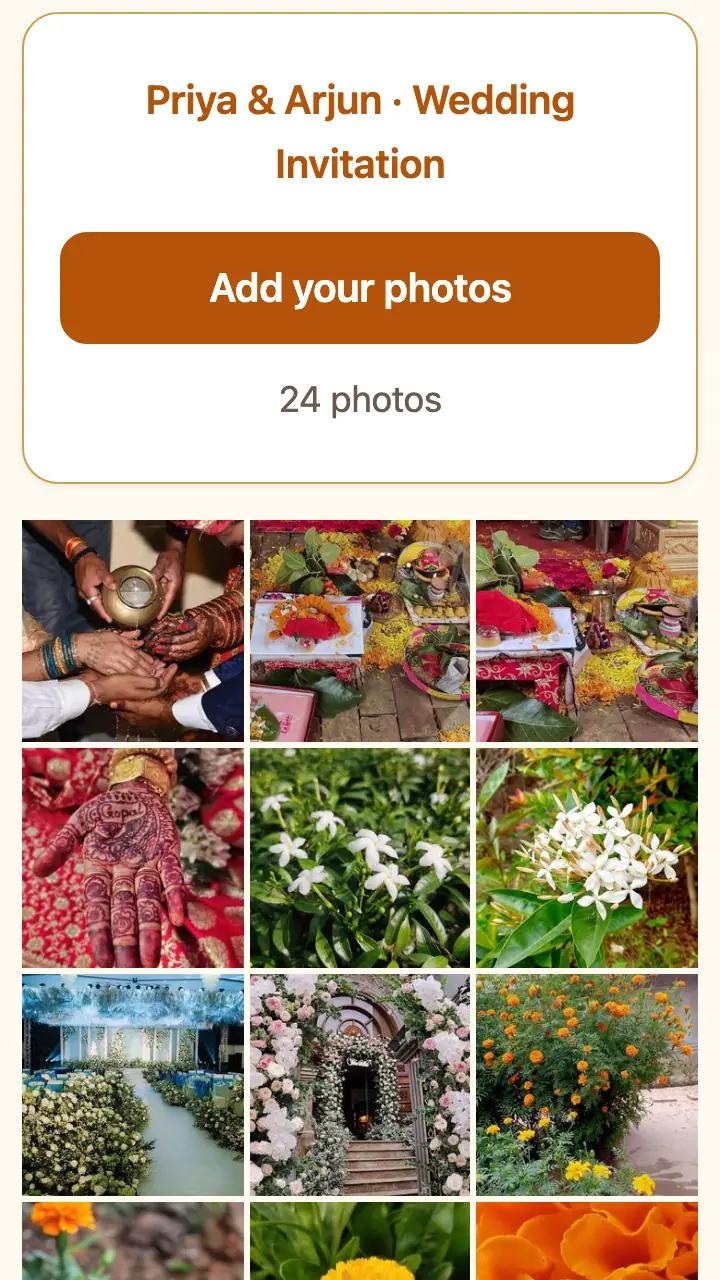
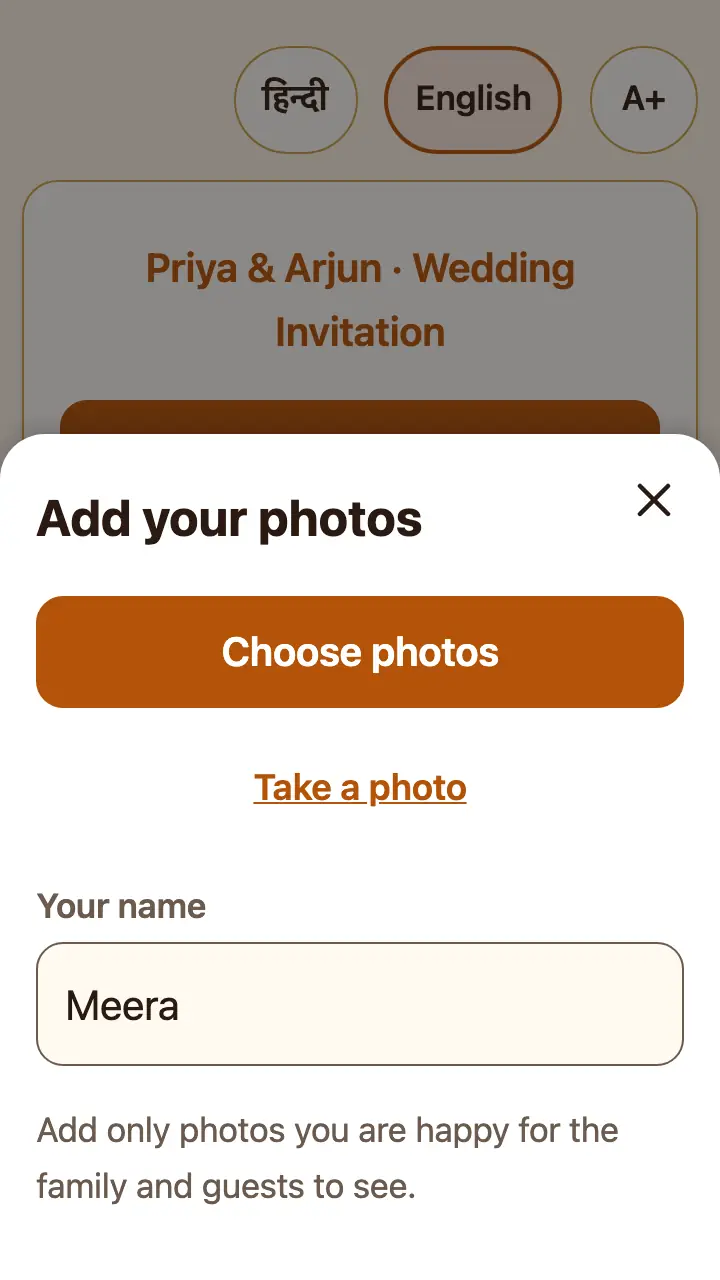
There is no app to install. A guest opens the link, taps "Add your photos", picks photos from the gallery and they go into the wedding album.
Make this freeFree up to 50 photos. No watermark. No card details.
How it works
- The guest opens the link or scans the QR code.
- They tap "Add your photos" and pick photos, or take one.
- The photos show in the album within seconds. The full-size copies keep sending in the background.
Wordings you can copy
Free to use on your page or anywhere else.
With the blessings of God and our elders, we invite you and your family to the wedding, and request you to bless the couple.
Your presence is our happiness.
Thank you for coming. Add your photos here.
Questions
Which app do guests need?
None. It is a web page that works in the phone's normal browser, on Android and iPhone. No login, no sign-up.
How many photos can a guest add at once?
Up to 300 at a time. If the network drops, the page waits and sends them when it is back.
What if the guest closes the page too soon?
The page says "Keep this page open until done". If they close it early, it tells them on their next visit how many photos did not go, so they can pick them again.
Is it free?
Yes. The free album shows up to 50 photos with no watermark and no card details. A one-time paid pass shows up to 1,000 photos (₹199) or 3,000 for a wedding (₹499).
Can a guest remove a wrong photo?
A guest can report a photo, and it is hidden at once. The family can hide or delete any photo from their private host link.